This post contains Amazon.sa affiliate links (tag: tabaix-21). If you buy through our links, we earn a small commission at zero extra cost to you. We only recommend products personally tested in Riyadh.
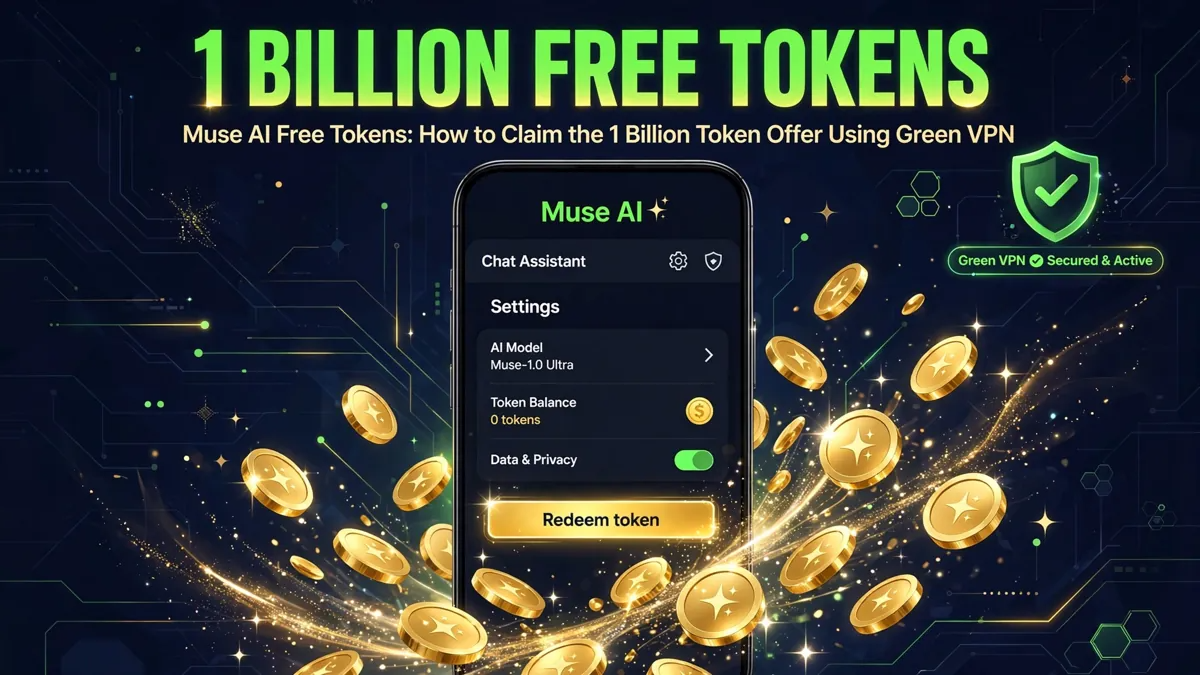
I use Muse as my personal AI agent, and one of the best things about it is the referral program: new users who redeem an invite code within 48 hours of joining get 1 billion free Muse tokens, and the person who invited them gets the same. If muse.ai is not opening for you or the sign-up page seems stuck, a free VPN like Green VPN can help you reach it. Here is the exact process I followed.
What Is Muse AI?
Muse is a personal AI agent built by Meta
. Unlike a regular chatbot, it has its own computer: it can browse the web, remember your life, manage tasks, create documents, generate media, and follow through on real work.
Tokens are how usage is measured inside Muse. The welcome referral offer gives you 1 billion tokens — more than enough to explore everything properly before you ever need to think about a paid plan. The terms are shown on the invite and redemption screens, so always read those before you redeem.
Step 1 — Install Green VPN (If You Need It)
If muse.ai opens fine for you, skip this step and go straight to joining. A VPN is only needed if the site or sign-up flow does not load in your country or network.
Green VPN is a free VPN app I use for this kind of situation:
- 100% free — no account, no credit card, no registration required
- One-tap connect — works on Android (and there’s an iOS version)
- 40+ server locations across the US, Europe, and Asia
- No activity logs, per its published privacy policy
How to set it up:
- Open the Play Store (or App Store) and search “Green VPN”. Download and install it.
- Open the app and tap Connect (or pick a server flag and choose a country, e.g. the US or UK).
- Wait for the key/VPN icon to appear in your status bar — that means your traffic is routed through the VPN.
Practical notes from my own use:
- If one server is slow, tap the flag icon and switch to another server location.
- Free servers can get crowded at peak hours — try early morning or late evening.
- Keep the VPN connected for the whole sign-up and redemption process, then you can disconnect.
Step 2 — Join Muse
- Go to https://muse.ai/join (keep Green VPN connected if you needed it).
- Create your Muse account and complete the sign-up.
- Make sure your account is fully set up — the 48-hour redemption window starts the moment you join, so do not wait days before redeeming.
Step 3 — Redeem the Invite Code
This is where the 1 billion tokens come from:
- Open the Muse app or website and go to Settings.
- Look for Redeem token (on the website it is under Settings > General > Usage > Redeem invite code).
- Enter the invite code: OVQQH2
- Confirm. You should see the redemption result on screen — that result is what confirms your tokens.
My invite code: OVQQH2
When it works, both of us get the 1 billion token reward. If the code shows as invalid, expired, or already used, the screen will say so — a code’s appearance alone does not guarantee validity.
Important: The “Redeem token” option only appears during the first 48 hours after you join. After that window closes, the entry disappears and you cannot redeem a code on that account.
Step 4 — Start Using Your Tokens
Once redeemed, your tokens are available for normal Muse usage:
- Ask questions and do research — it browses the live web, not just training data.
- Create documents — blog posts, reports, spreadsheets, presentations.
- Set reminders and scheduled tasks — it can check things for you while you’re away.
- Connect services — Gmail, Google Calendar, Spotify, Instagram, and more.
- Generate media — images, video, and audio.
Practical Tips Summary
Timing: Redeem your invite code within 48 hours of joining — the option disappears after that.
The code: OVQQH2 — enter it exactly as shown, in Settings > Redeem token.
VPN only if needed: You do not need Green VPN if muse.ai loads normally for you. Use it only to get past network-level access problems.
Stay connected: Keep the VPN on during sign-up and redemption, then disconnect.
Read the terms: The invite and redemption screens show the current offer terms — reward amounts can change, so trust what you see on screen.
One account, one redemption: Each account can redeem one code. The web form will tell you if your account already redeemed one.
Verify before sharing: Once your own account is set up, grab your own invite code from the app’s Invite button and share it with friends — you earn tokens for each redemption too.
FAQ
What is the Muse 1 billion token offer?
Muse runs a referral program: when a new user joins and redeems an inviter’s code within 48 hours, both the new user and the inviter receive 1 billion Muse tokens. The exact terms are displayed on the invitation and redemption screens.
How do I redeem a Muse invite code?
Open the Muse app and go to Settings > Redeem token (on the web: Settings > General > Usage > Redeem invite code), enter the code — e.g. OVQQH2 — and confirm. This only works within the first 48 hours after joining.
Why would I need Green VPN to use Muse?
You only need it if muse.ai or the sign-up page does not load on your network. Green VPN is a free, no-registration VPN with one-tap connect and servers in 40+ locations, so you can route around network-level blocks.
Is Green VPN really free?
Yes. The free tier offers unlimited speed, bandwidth, and time with no account or credit card required. There are also paid monthly/yearly plans with a 7-day trial, but you do not need them for this.
Does the invite code expire?
The 48-hour redemption window applies to your account — you must redeem within 48 hours of joining. Codes themselves can also be used up or revoked, in which case the redemption screen will show an error.
Can I get tokens without an invite code?
The referral program is the easiest path to a large free token balance. Muse also has subscription plans; check the app’s subscription section for current options.
Is it safe to use a VPN to sign up?
Using a VPN for privacy and access is legal in most countries, but check your local laws and always respect the service’s terms of use.